University of North Texas

Log in with your UNT account to download course exercises
- Click on the "LinkedIn Learning Sign In" button.

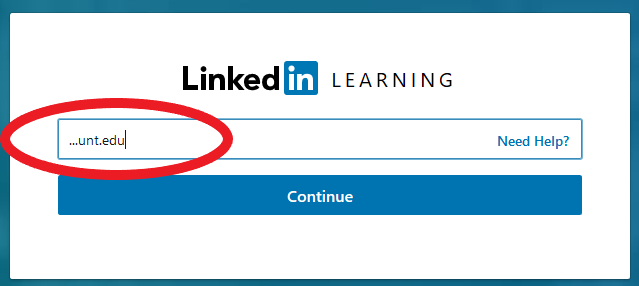
- Enter your unt.edu preferred email as your login.
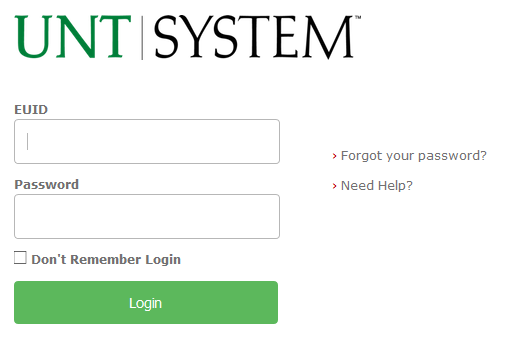
- Log in with your UNT EUID and Password.
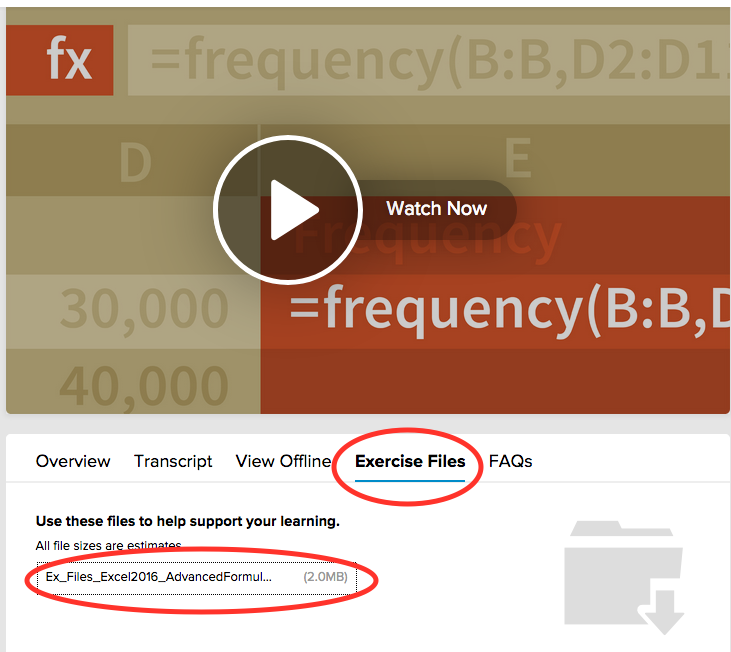
- You can then click on the Exercises tab. Click on the file listing to start the download
of your exercise files.
NOTE: Your browser should prompt you for a location to store the file or it may just store it in your default "Downloads" directory, possibly as a .zip archive.